Lost sales
A customer asks for an item that ran out last week, and goes to the next shop.
Stock control for small businesses
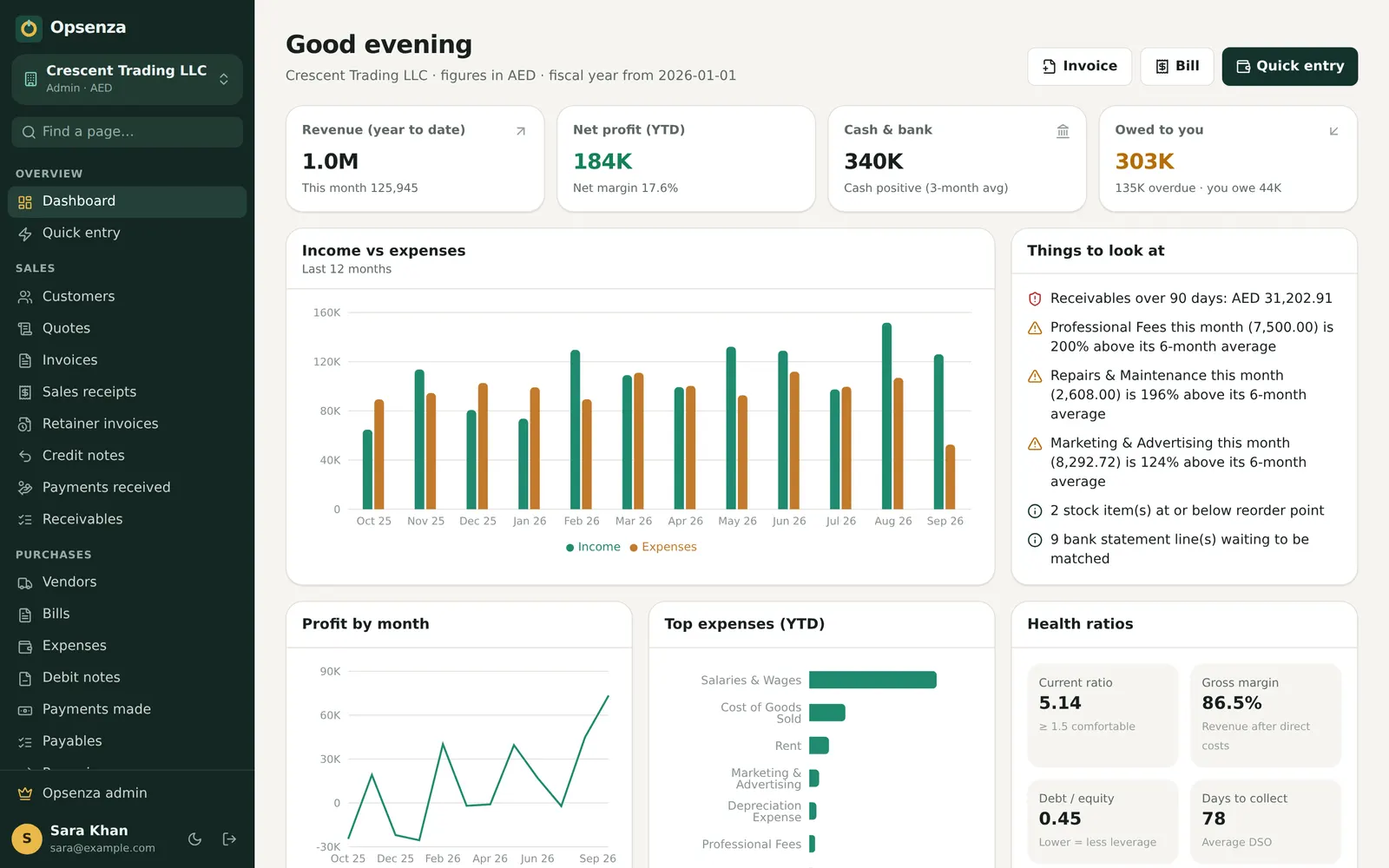
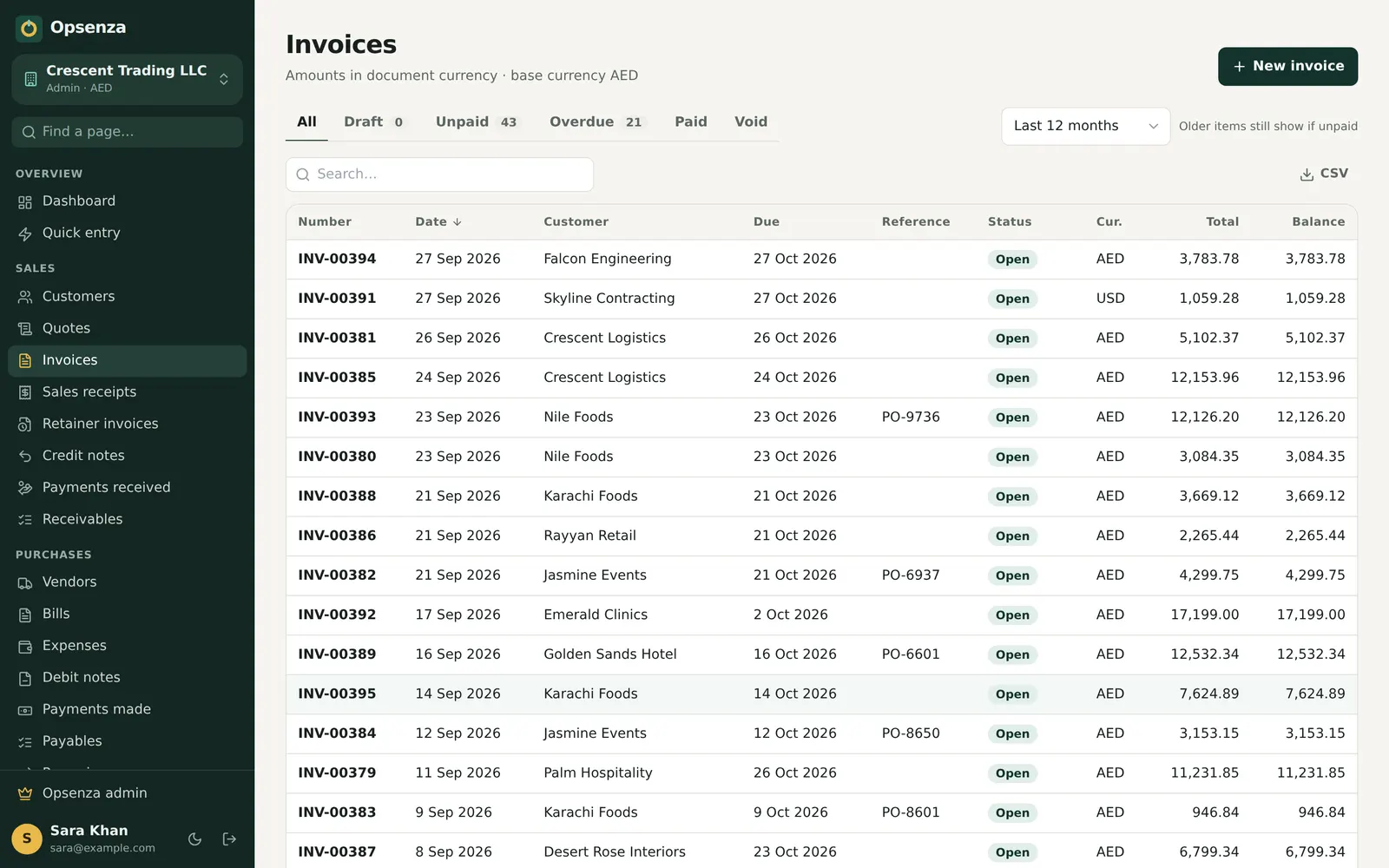
Opsenza tracks every item you buy and sell. Stock levels update with each bill, you get a reorder suggestion before an item runs out, and you can see what your stock is worth on any day.
No card needed to start. Web, Windows and Android.
A customer asks for an item that ran out last week, and goes to the next shop.
Too much of slow items ties up money you need for fast sellers.
Without batches and stock counts, losses only show up when it's too late.
Sales reduce stock and purchases add to it, in every shop or warehouse you have. Move stock between locations with a transfer.
Set a reorder point for each item, or let Opsenza suggest what to reorder based on what you actually sell.
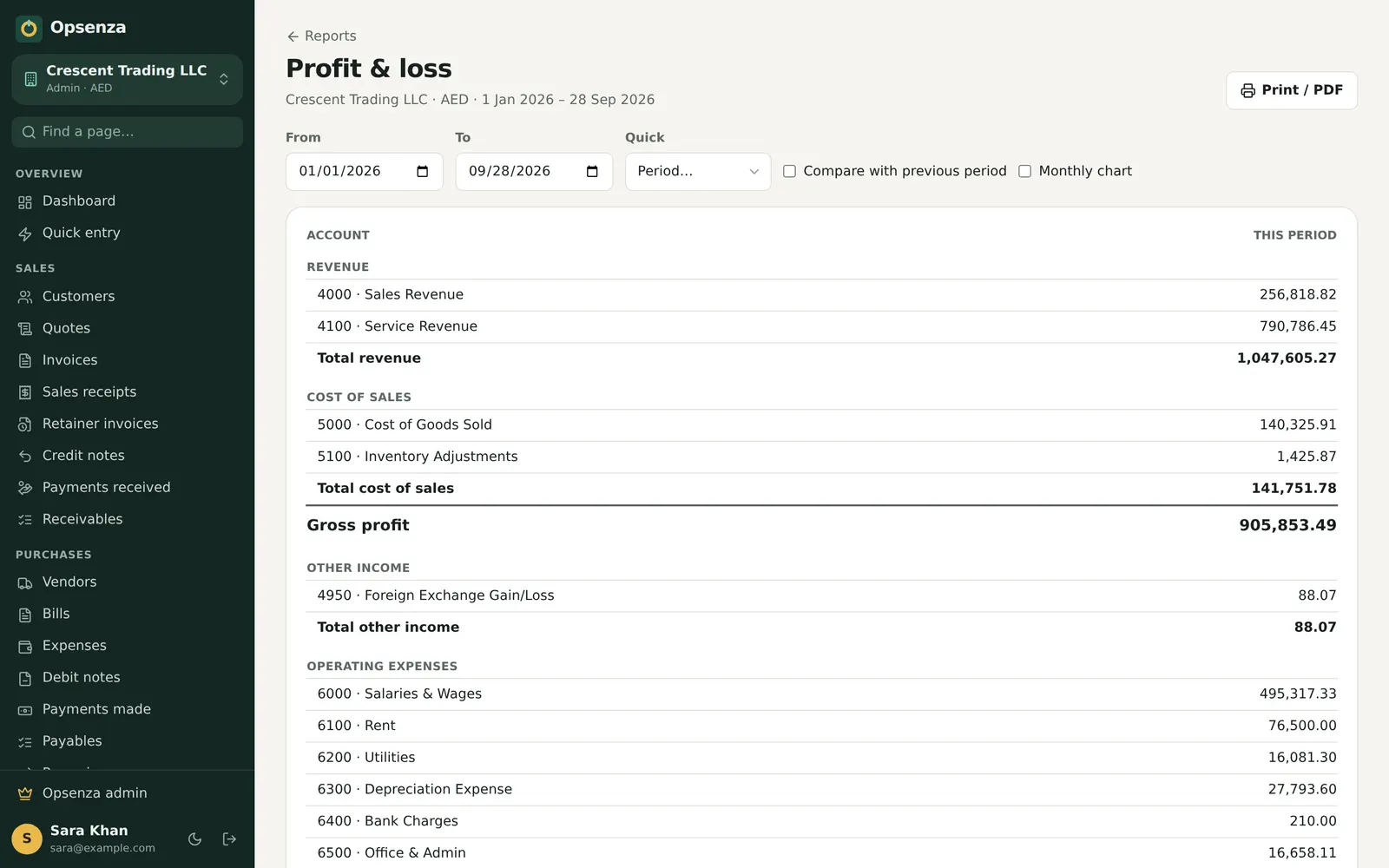
Try everything first in a demo company with sample data.
Import from Excel, with opening stock for each location.
Purchases and sales move stock automatically.
Reorder what's running low and clear what isn't moving.
Inventory software keeps track of the goods you hold: what you have, where it is and what it's worth. Opsenza links stock to your sales, purchases and accounts, so the numbers always match.
Yes. Set a reorder point per item and Opsenza flags items that fall below it, with reorder suggestions based on your sales.
Yes. Keep stock in several locations and transfer between them. Reports show stock by location or in total.
Yes. Record batch numbers and expiry dates, useful for medicines, food and cosmetics.
Import your item list from Excel or CSV with opening quantities and costs, or enter them by hand.
Opsenza keeps billing, stock, udhaar, bank and profit in one place.
Set up in minutes. Your first bill can go out today.
Start your free trial