Cash doesn't match
At closing time the drawer is short or over, and nobody knows which sale caused it.
Point of sale for Pakistani shops
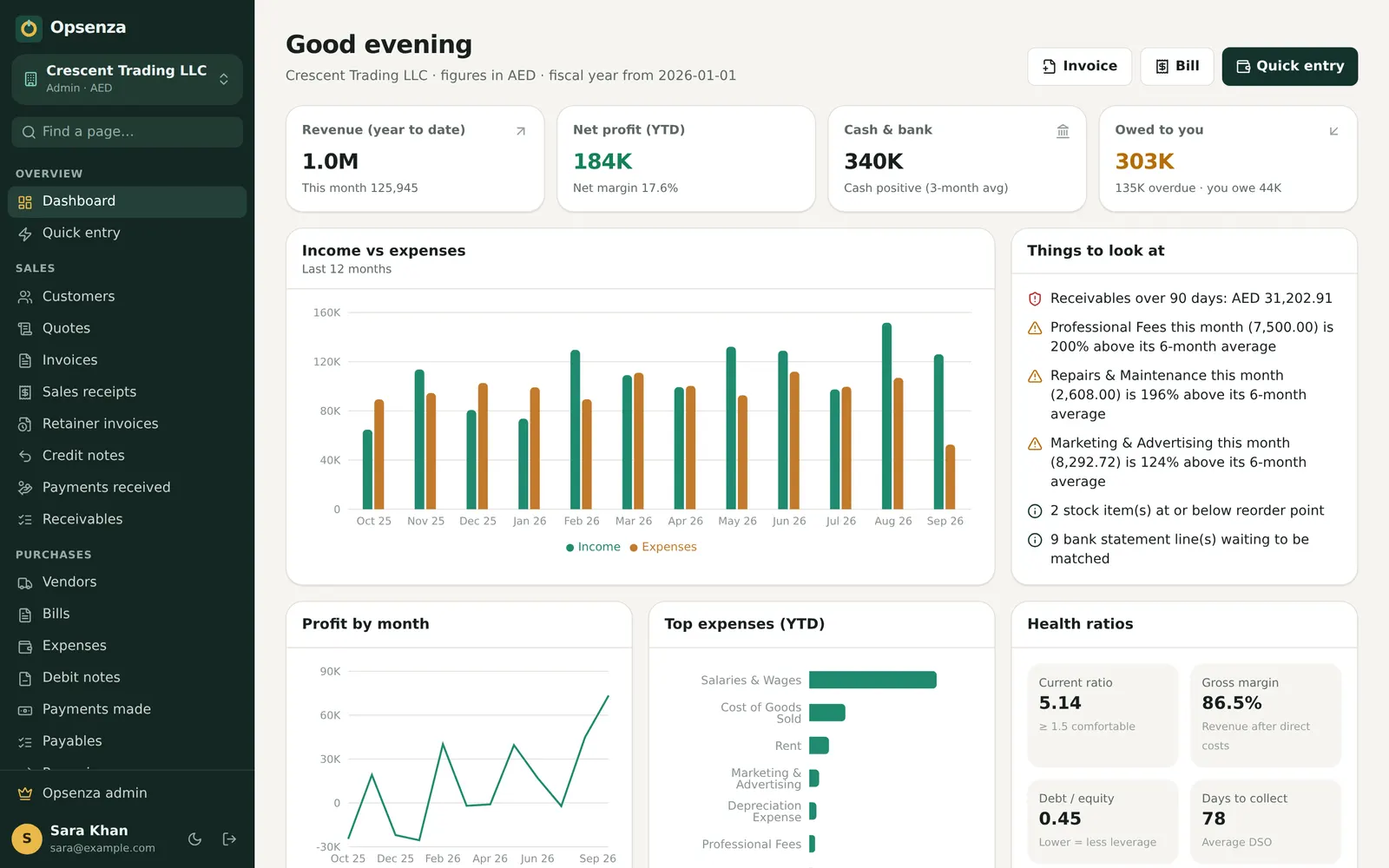
Opsenza's point of sale (POS) bills customers in seconds and prints an 80 mm receipt. Every sale updates your stock, cash and profit at the same time, so the counter and the accounts always agree.
No card needed to start. Web, Windows and Android.
At closing time the drawer is short or over, and nobody knows which sale caused it.
Items sell out without warning, or money sits in stock that isn't moving.
Long queues at busy times, handwritten bills and mistakes in prices.
Search an item, add the quantity, take cash or card and print. Hold a bill for one customer while you serve the next.
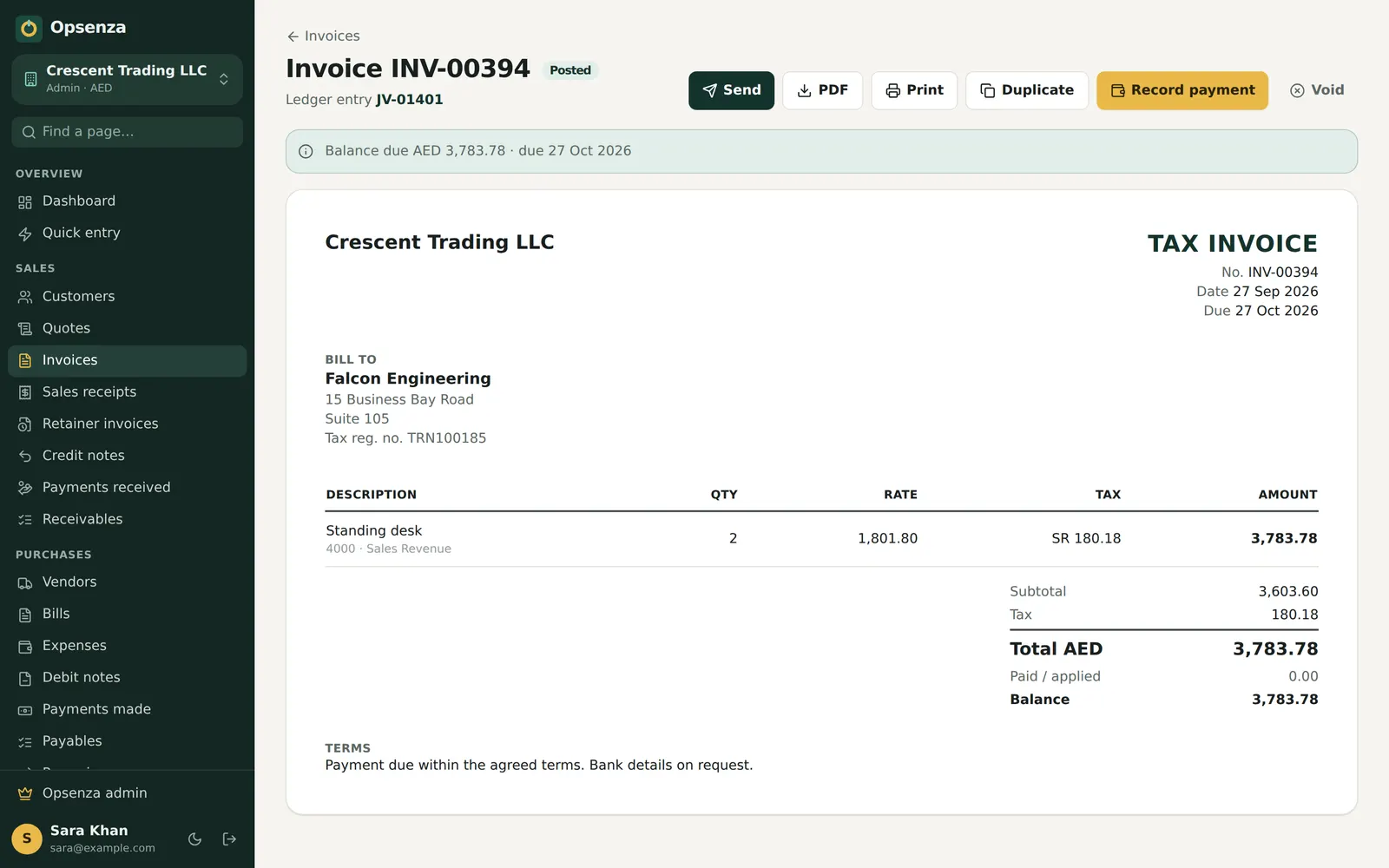
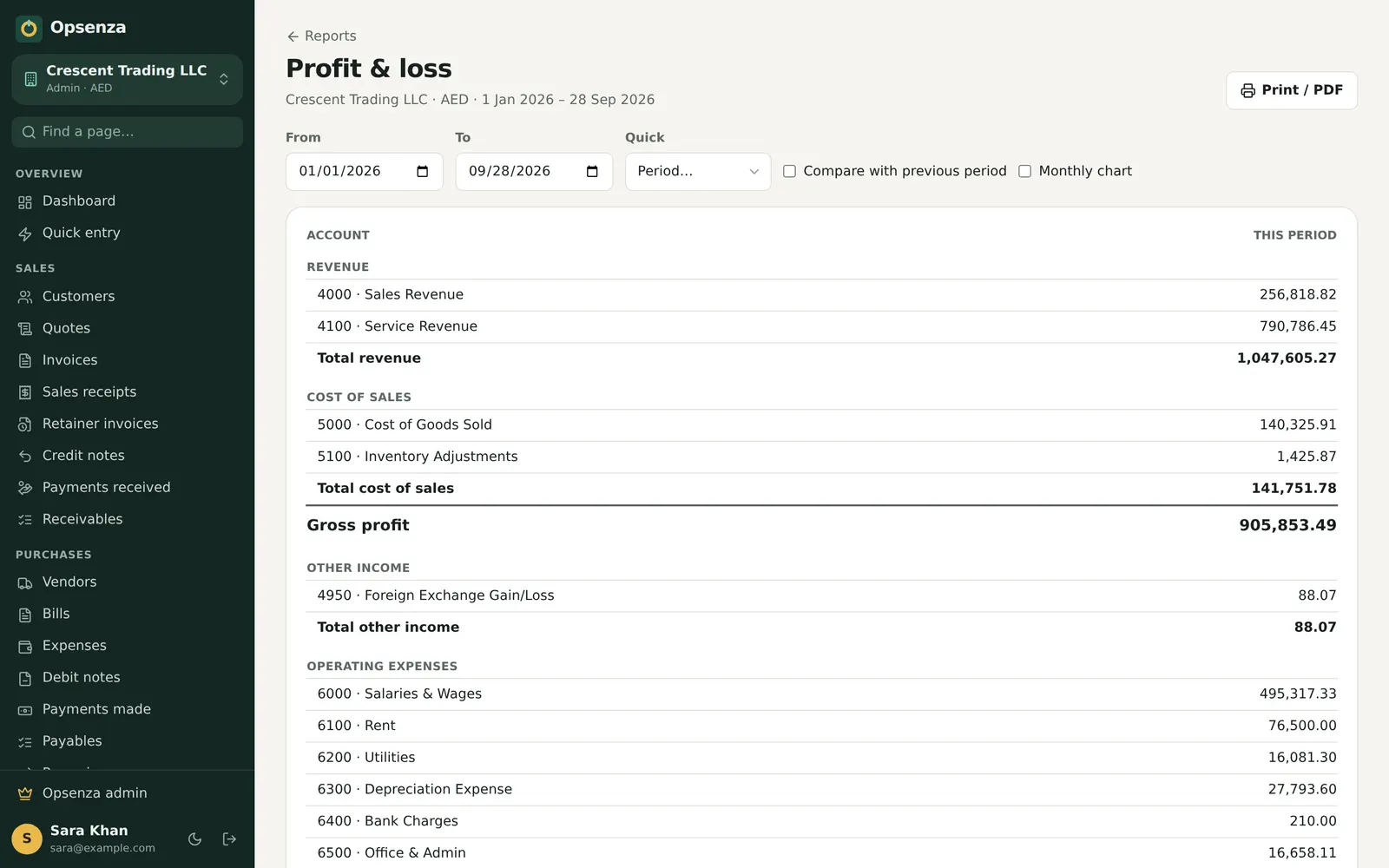
There's no separate step to post sales. Stock, cash and profit move with every bill, and the day's report is ready when you close the shift.
Try everything first in a demo company with sample data.
Import from Excel or add them one by one, with cost and sale price.
Each cashier opens a shift with the starting cash in the drawer.
Sell all day; at closing, Opsenza shows what the drawer should hold.
POS (point of sale) software is what a shop uses at the counter to make bills, take payment and print receipts. Opsenza's POS also updates stock, cash and accounts with every sale.
Yes. It prints 80 mm receipts on a standard thermal receipt printer, and any bill can also be saved as a PDF or sent on WhatsApp.
Yes. The POS runs in the Windows app, the Android app or a browser, so you can bill on a laptop at the counter or a phone on the shop floor.
Opsenza includes Pakistan sales tax settings and FBR Digital Invoicing for businesses that need them. Confirm what applies to your shop with your tax adviser.
Yes. Start a free trial with no card needed and try the POS with a demo company full of sample data.
Opsenza keeps billing, stock, udhaar, bank and profit in one place.
Set up in minutes. Your first bill can go out today.
Start your free trial